






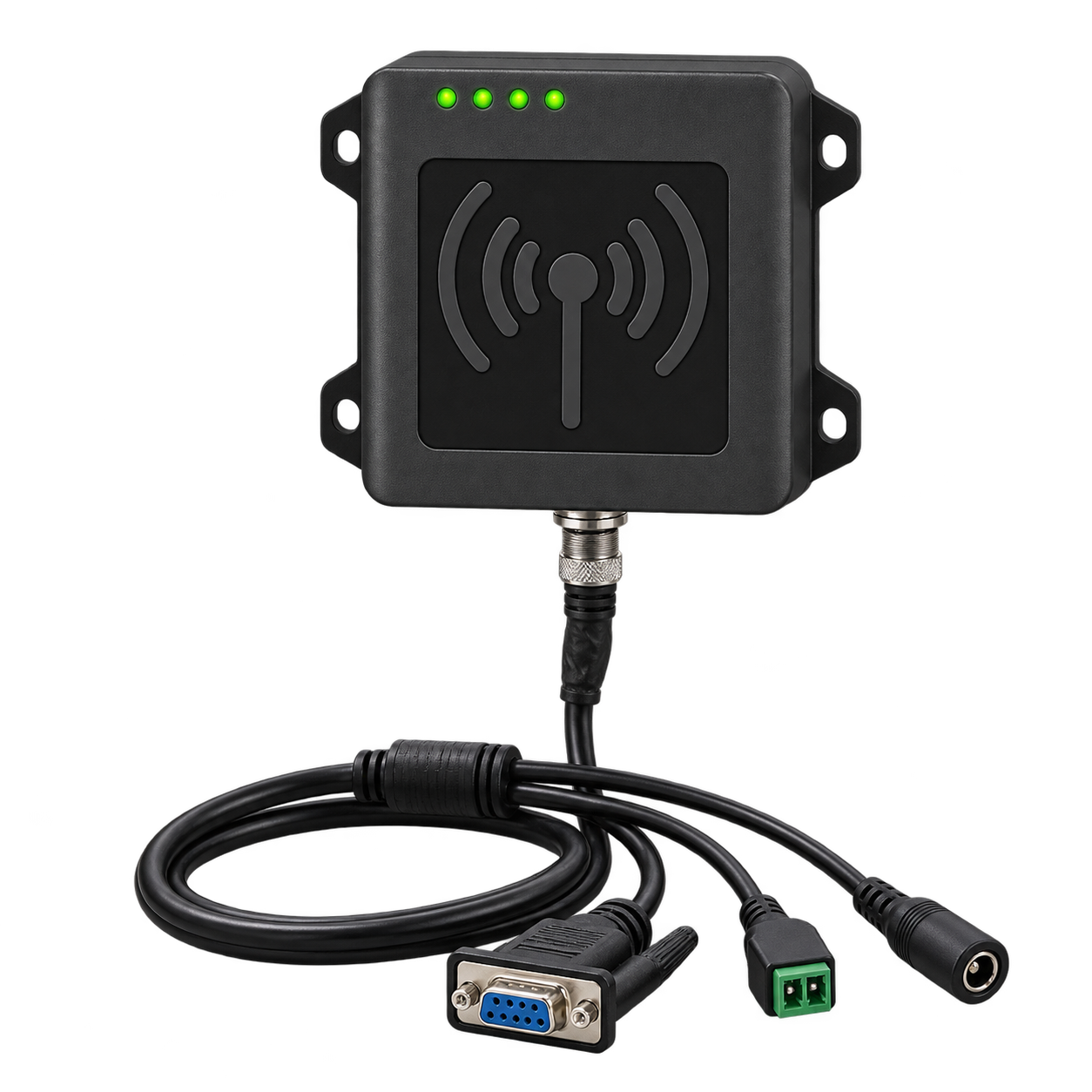
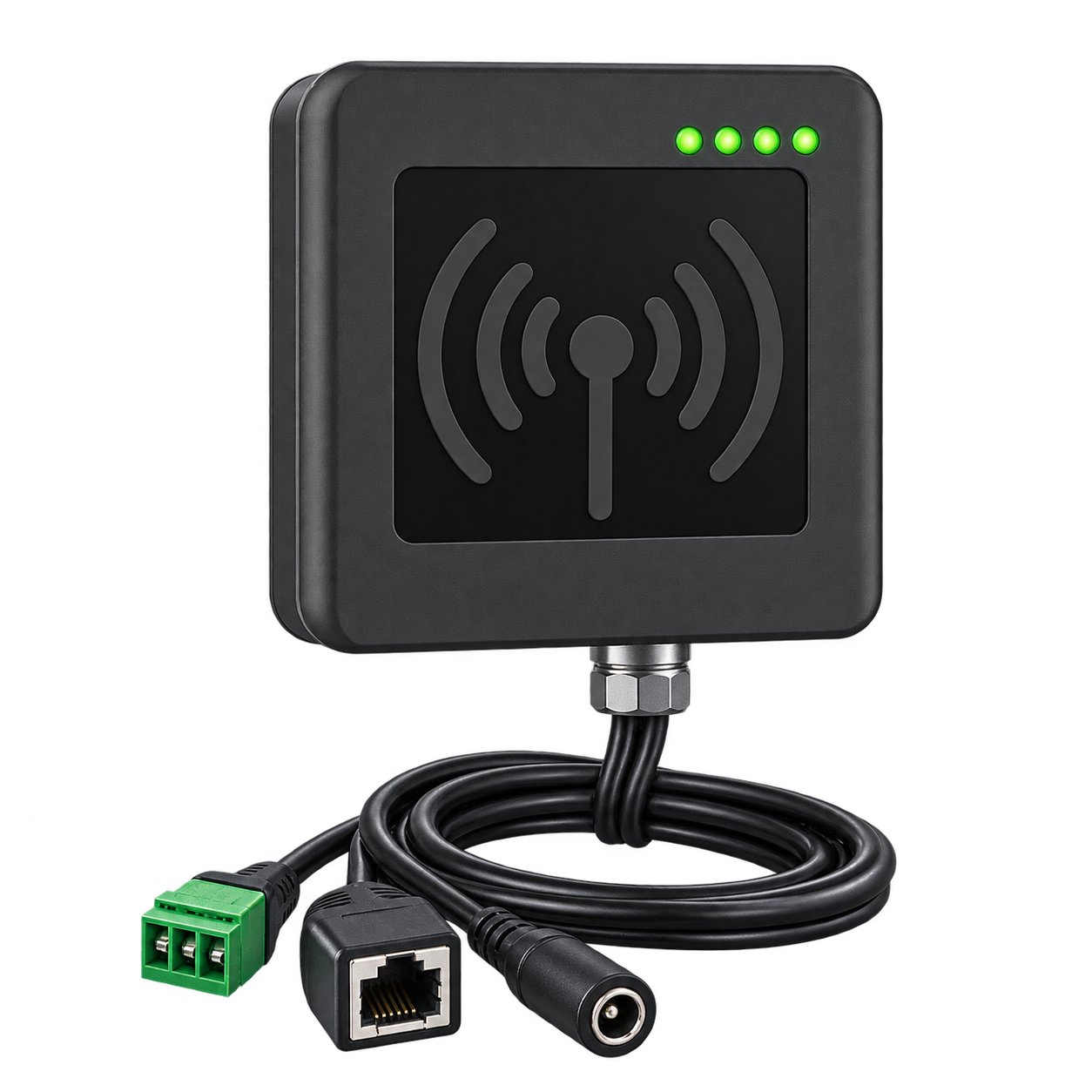
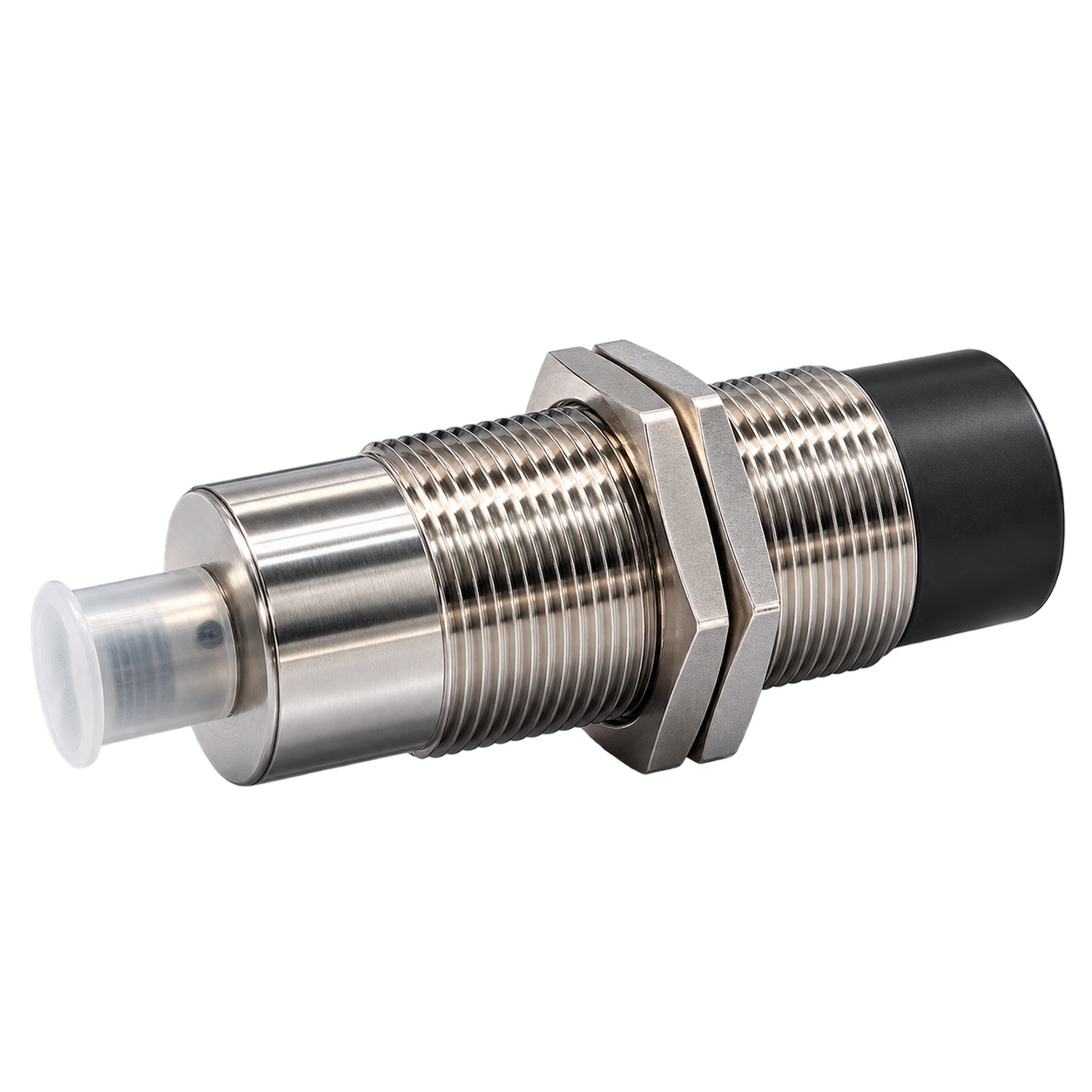
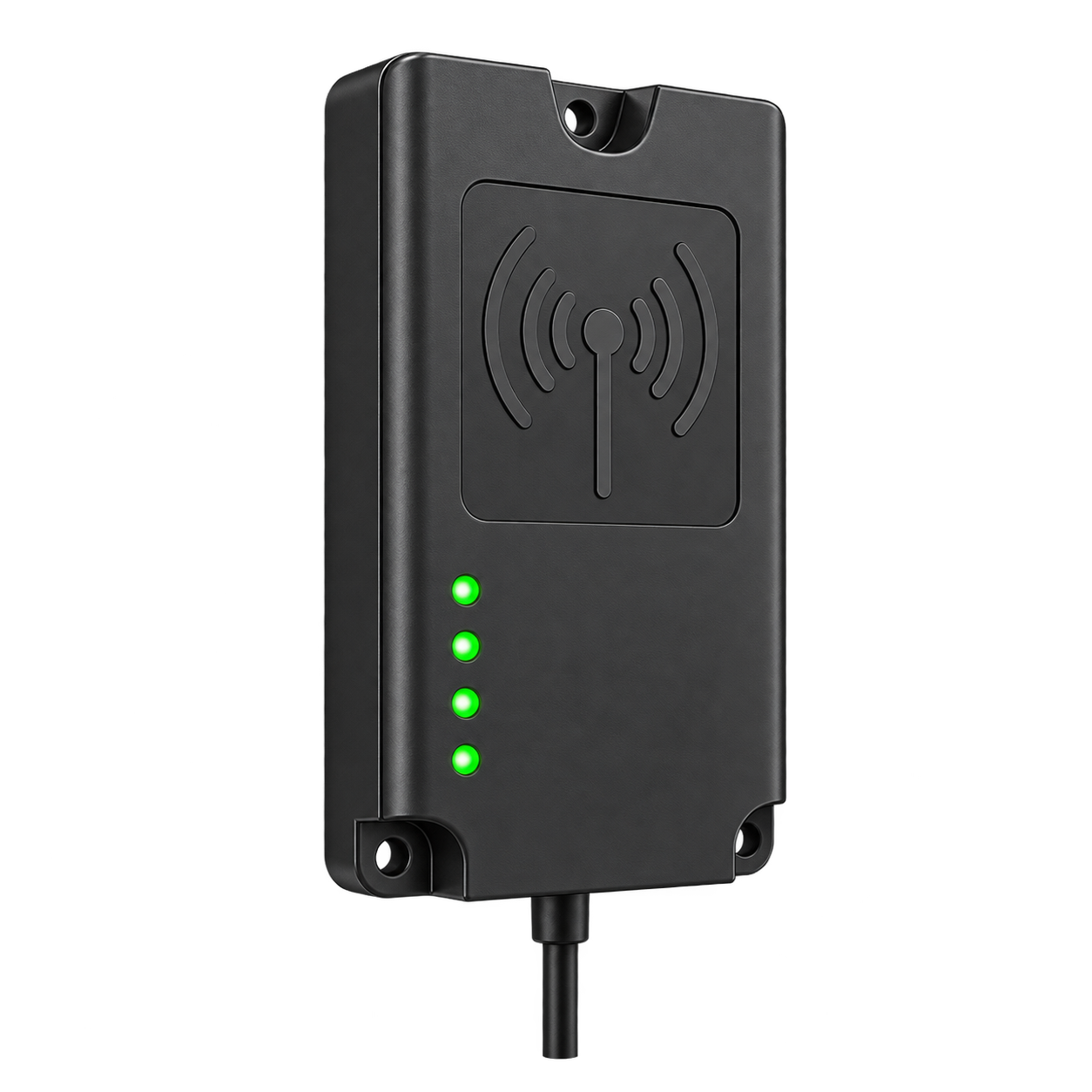






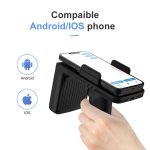

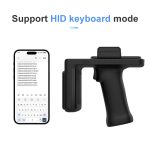
Description
Product Specifications
RFID Technical Parameters
| Frequency | 902–928MHz (US) 865–868MHz (EU) |
|---|---|
| Protocol | ISO18000-6C (EPC GEN2) |
| Chip Solution | Impinj E710 |
| Output Power | 4dBm to 33dBm adjustable, step 1.0dBm |
| Read Speed | >800 tags/second |
| Read Distance | >18m (U9 core 9662 white card, open space) |
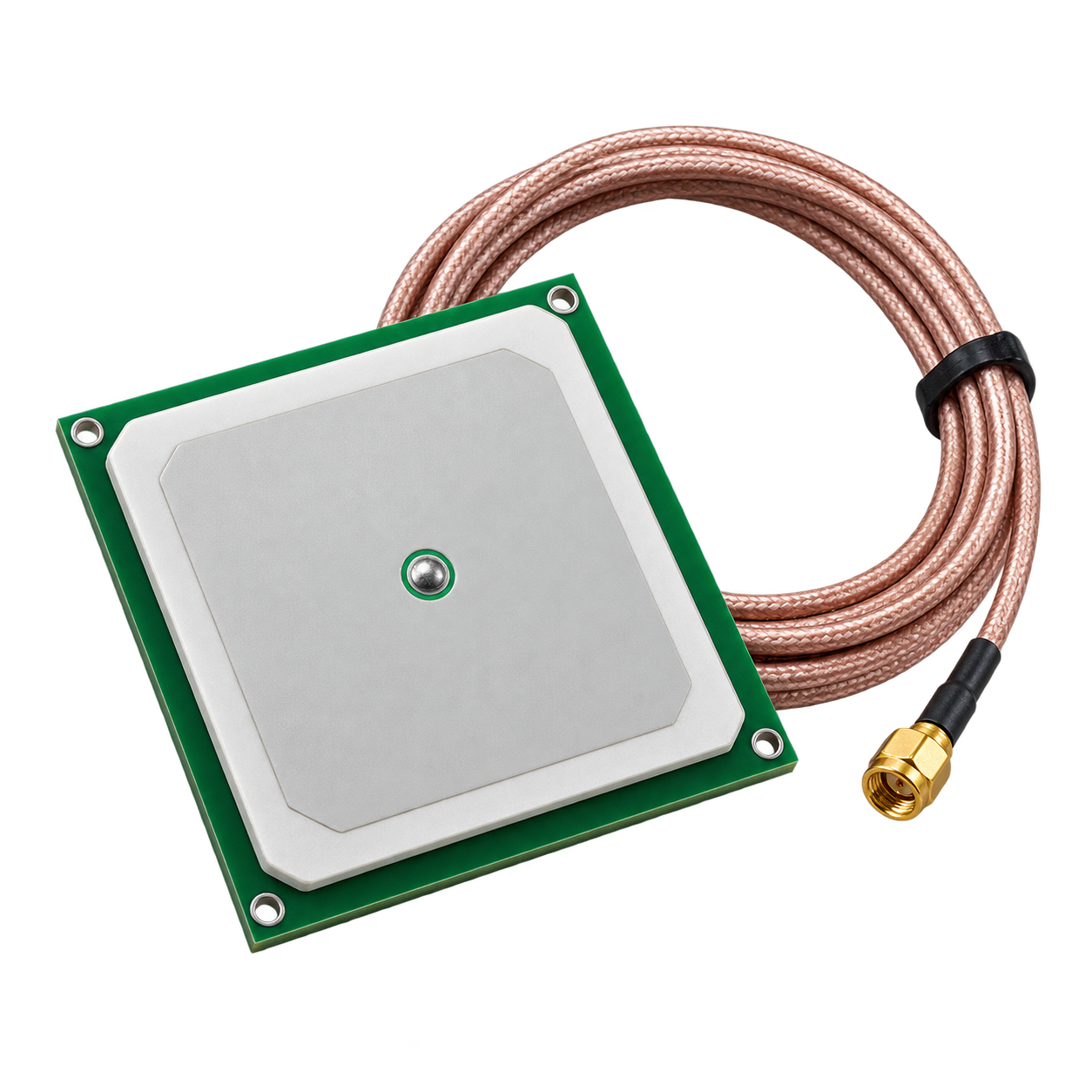
| Antenna | Gain 4dBi circular polarization antenna |
| Write Distance | 0–3m (Affected by tag and environment) |
Development Environment
| SDK | Demo software, API, examples, user manuals |
|---|---|
| Firmware Version | Supports online upgrade |
| Development Language | Android, C# |
Environmental Parameters
| Environmental Characteristics | Operating Temperature: -20°C to +50°C Storage Temperature: -40°C to +65°C |
|---|---|
| Protection Level | IP54 |
| Drop Resistance | 1.5m onto concrete floor |
Data Communication
| Bluetooth | BLE 4.2 |
|---|---|
| Barcode | Supports 1D & 2D (Optional) |
| Communication Interface | Type-C |
| Status Indication | Battery indicator, working status indicator, Bluetooth connection indicator, buzzer |
Physical Parameters
| Material | Plastic, aluminum alloy |
|---|---|
| Battery Capacity | 5000mAh (Typical value) |
| Working Time | 3–6 hours |
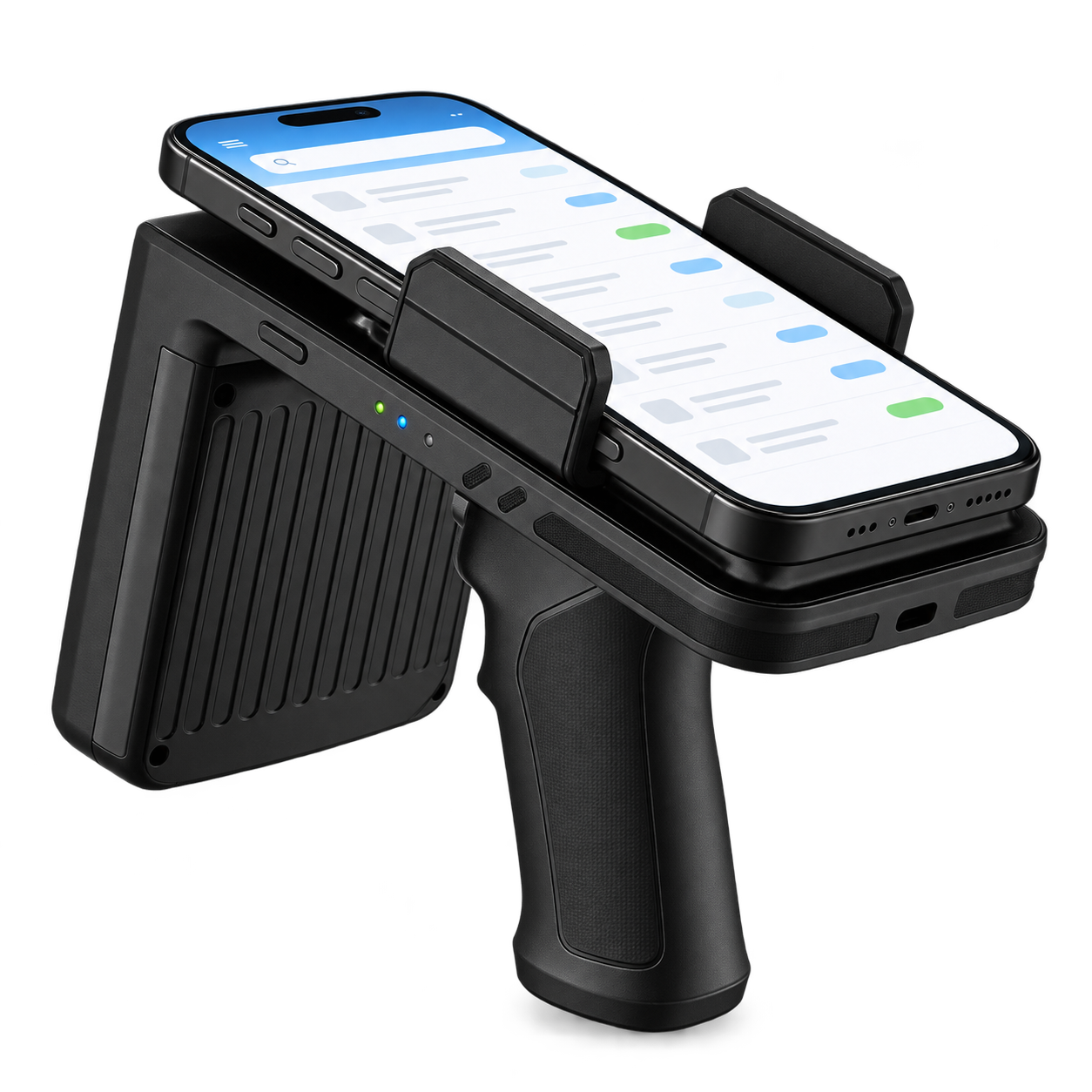
| Applicable Device Size | Device width 68–86mm |
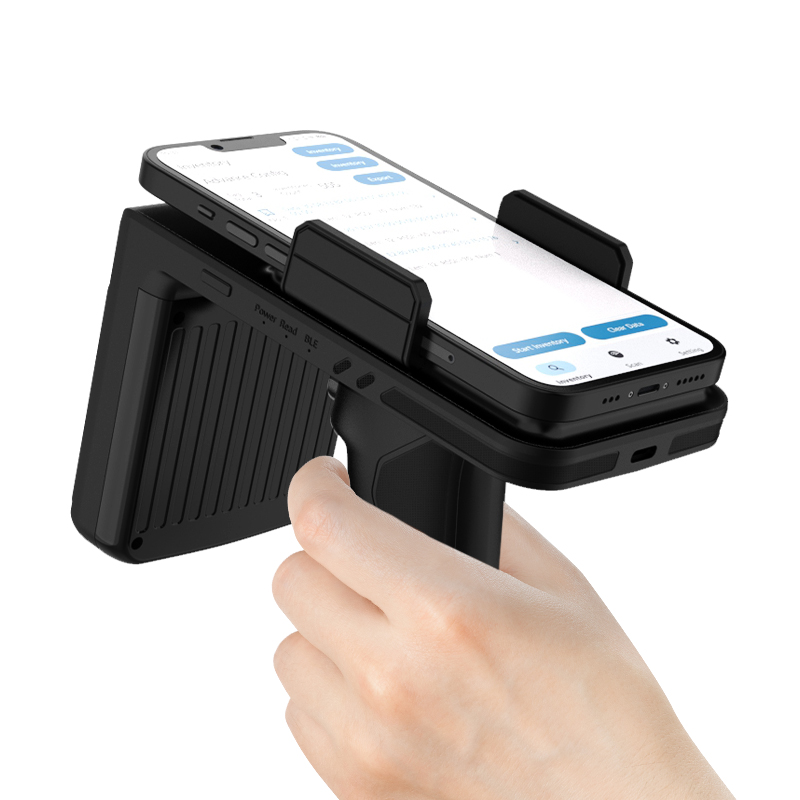
| Size | 155(H) × 78(W) × 133(L)mm |
| Weight | 450g |
1D / 2D Image Scanning Engine
| Image Sensor | CMOS |
|---|---|
| Image Resolution | 300,000 pixels, 640 × 480 |
| Minimum Resolution | ≥3mil / 0.076mm (PCS90%, CODE 39) |
| Reading Angle | Test conditions: CODE39, 10mil / 0.25mm, PCS90% Roll: ±360°, Pitch: ±60°, Skew: ±55° |
| Reading Depth of Field | 40mm–500mm (Varies according to barcode type) |
| Field of View | Horizontal 41°, Vertical 31° |
| Decoding Speed | 35cm/s |
| Supported Code Systems |
1D:
UPC-A, UPC-E, EAN-8, EAN-13, ISBN, ISSN,
Code 128, GS1-128, ISBT, Code 39, Code 32,
Code 93, Code 11, Codabar (NW-7),
Interleaved 2 of 5, Matrix 2 of 5,
Industrial 2 of 5, Standard 2 of 5,
NEC 2 of 5, MSI, Telepen, Trioptic, BC412,
Febraban and Coupon.
2D: QR Code, Micro QR Code, Data Matrix, PDF417, Micro PDF417, MaxiCode, Aztec, HanXin Code, Pharma Code, Codablock A, Codablock F, Dot Code, Grid Matrix and more. Composite Codes: GS1 DataBar (Omnidirectional, Limited, Expanded), GS1 Composite Code, TLC 39 Code, Chinese ID Card OCR and Passport OCR. Postal Codes: Hong Kong 2 of 5 (China Post), Korea Post, Australian Post, British Post, USPS Intelligent Mail, Japanese Post, Planet Code, Postnet Code, UPU 4-State and KIX Code. |
| Lighting / Aiming | White LED, Red LED |
| Minimum Print Contrast | ≥20% |
Note: Actual barcode reading performance may vary depending on barcode symbology, density, width, print quality and operating conditions.
Typical Depth of Field
| Barcode Type | Barcode Density | Nearest | Farthest |
|---|---|---|---|
| Code 39 | 0.1mm (4mil) | 50mm | 120mm |
| Code 39 | 0.25mm (10mil) | 55mm | 250mm |
| Code 39 | 1mm (40mil) | 160mm | 500mm |
| UPC / EAN | 0.33mm (13mil) | 60mm | 270mm |
| QR Code | 20.0mil | 40mm | 250mm |
| Data Matrix | 10mil | 50mm | 110mm |
| PDF417 | 6.8mil | 50mm | 150mm |
Note: Depending on barcode size and printing conditions, the actual reading distance may be farther.
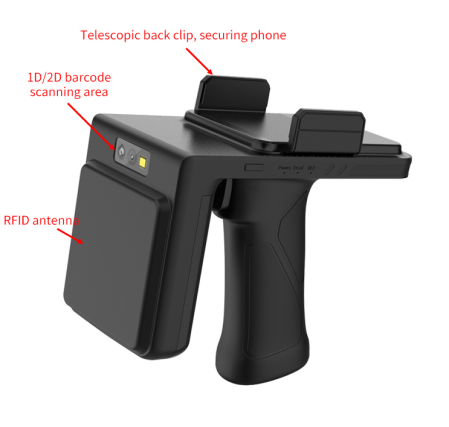
Function Description
Buttons, Indicator Lights & Buzzer
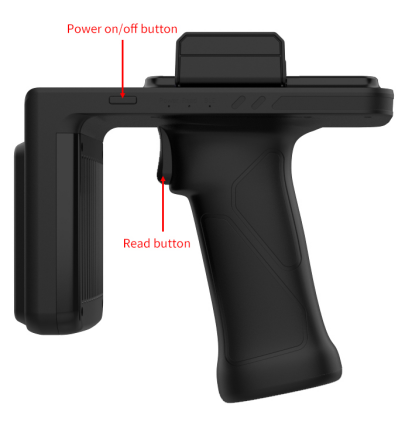
| Power Button | Used for device power on/off operation. Short press to power on and long press (>1 second) to power off. |
|---|---|
| Read Button | Used to trigger the device to perform a scan or query action, or to stop the device's current scan or query. |
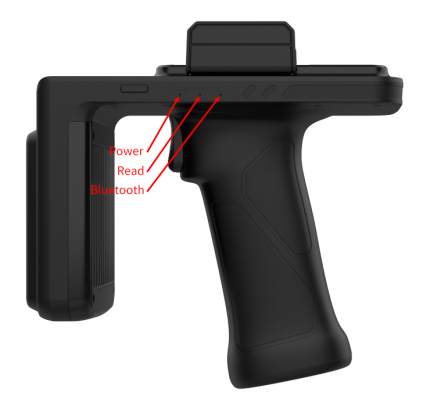
| Power Indicator | Red indicator used to show power status, low battery (battery level below 10%) and charging status. The indicator stays on while the device is powered on, flashes slowly when the battery is low, flashes quickly while charging, and remains on when charging is complete. |
| Read Indicator | Green indicator used to show scanning or querying status. During scanning or querying, the indicator is active and flashes according to the device operation. |
| Bluetooth Indicator | Blue indicator used to display Bluetooth connection status. It flashes when Bluetooth is disconnected and remains on when Bluetooth is connected. |
| Buzzer | Indicates device power, shutdown, standby and wake-up status. Power-on and shutdown use a 1-second reminder tone. Standby uses a 200ms reminder tone, while wake-up uses a 1-second power-on reminder tone. |
Power On & Off
Power On
When the device is powered off, press the power button. The power indicator will turn on. After approximately 5 seconds, the buzzer will sound a power-on prompt tone, indicating that startup is complete.
Shutdown
While the device is powered on, press and hold the power button for approximately 1 second. The device enters the shutdown state and the buzzer emits a shutdown prompt tone. After approximately 1 second, all indicator lights turn off and shutdown is complete.
Standby & Wake-Up
Standby
When the device is powered on and no operation is performed for 2 minutes, the device automatically enters standby mode. The buzzer sounds a standby prompt tone and power to the UHF module and barcode scanning module is turned off to reduce power consumption.
Wake-Up
While the device is in standby mode, press the Read button. The device exits standby mode, powers on the UHF and barcode scanning modules, and the buzzer sounds a power-on prompt tone to indicate successful wake-up.
Scan Code Mode / Query Mode
When the device is powered on, the application software can configure the device to operate in Scan Code Mode or Query Mode.
Scan Mode
- Press the Read button or send a scan command through the application. The device performs a barcode scanning action for 3 seconds.
- If a barcode is successfully scanned, the device immediately ends the scanning action and the Read indicator flashes once.
- If no barcode is successfully scanned within 3 seconds, the current scanning action ends. After approximately 500ms, the device performs another scanning action.
- While the device is scanning, press the Read button to immediately stop the current scanning action.
Query Mode
- Press the Read button or send a query command through the application. The device performs the query action for 5 seconds and the Read indicator turns on.
- If the query is successful, the Read indicator flashes once.
- When a query is triggered using the Read button, it automatically ends after 5 seconds. When triggered by an application query command, the query does not automatically end.
- While the device is querying, press the Read button to immediately end the current query operation.
H103 Accessories
Standard Accessories
Optional Devices
Optional accessories and compatible devices are available according to project requirements.
| Type | Barcode Density | Parameter Type | Specification |
|---|---|---|---|
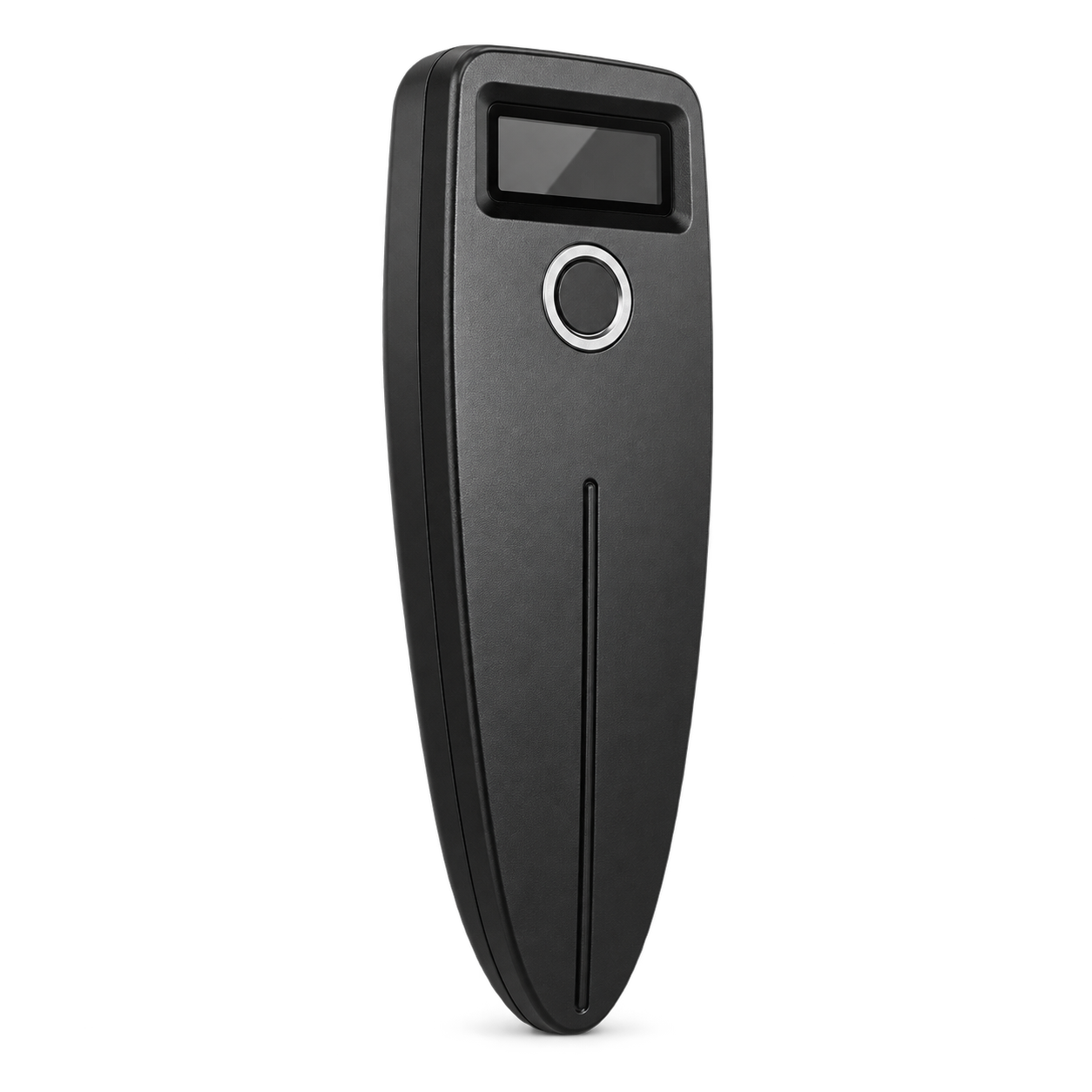
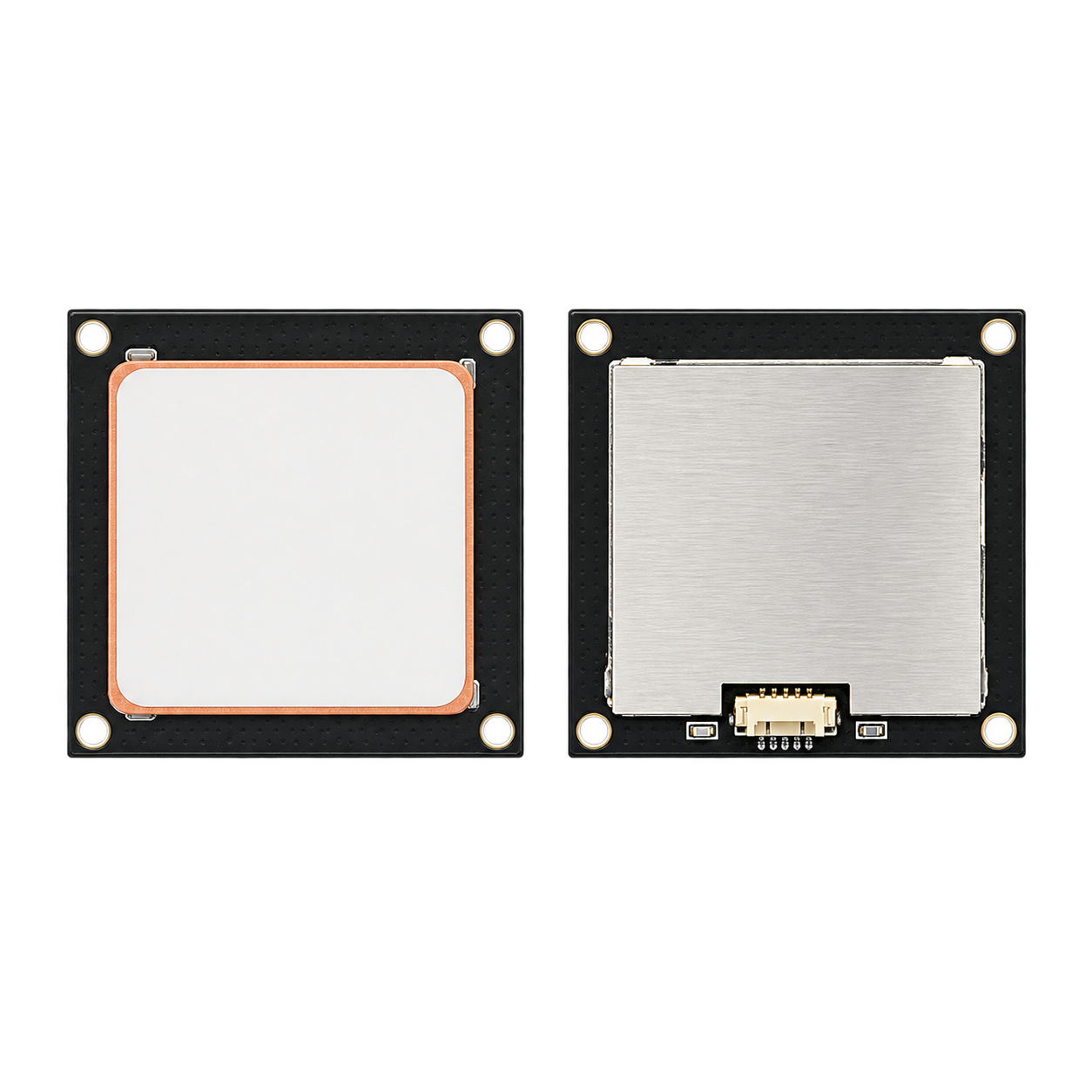
| Scanning Module | VM2250 | Standard | Code 39 (40mil): 25–70cm QR Code (20mil): 4–25cm |
| VM3690 | High | Code 39 (40mil): 25–70cm QR Code (20mil): 3–40cm | |
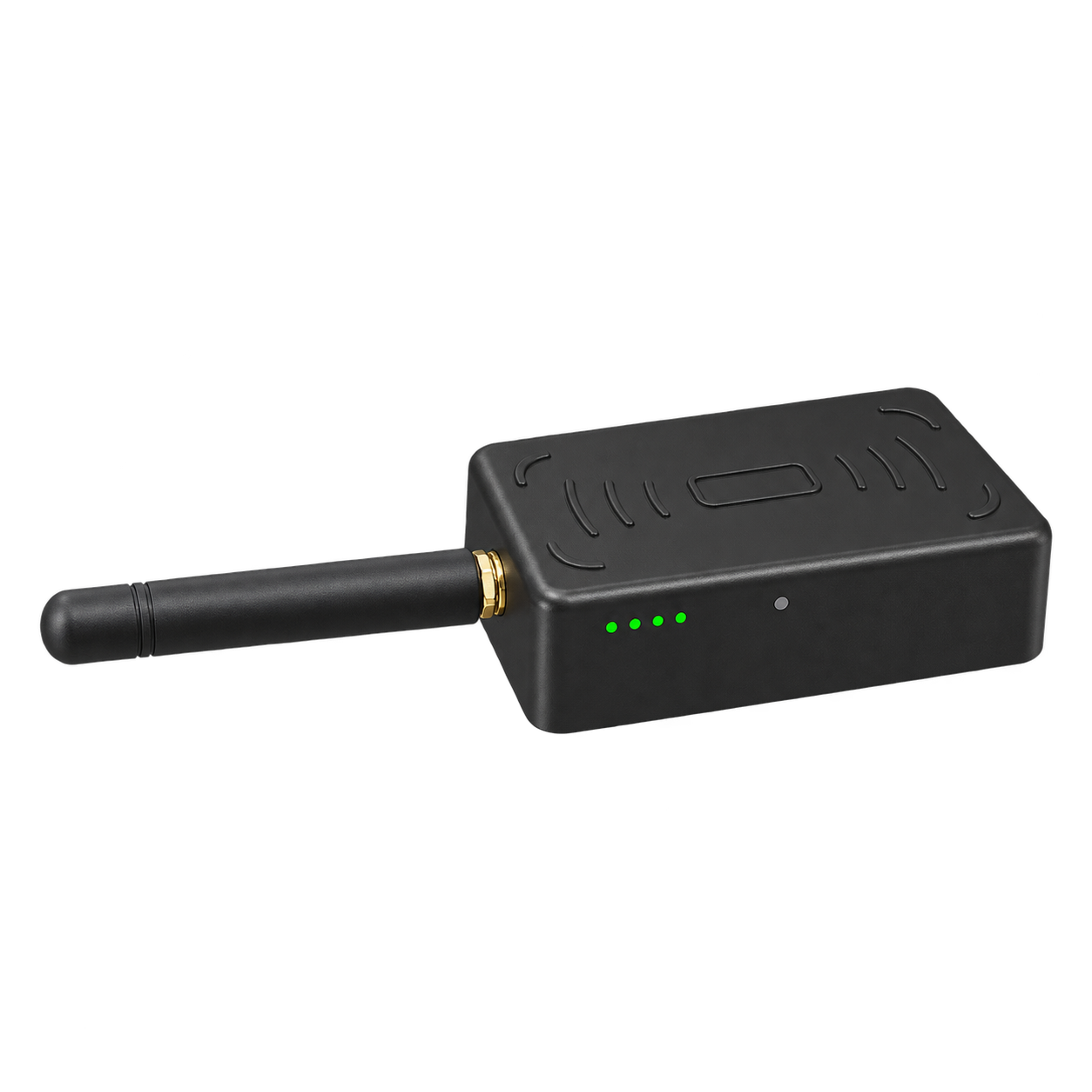
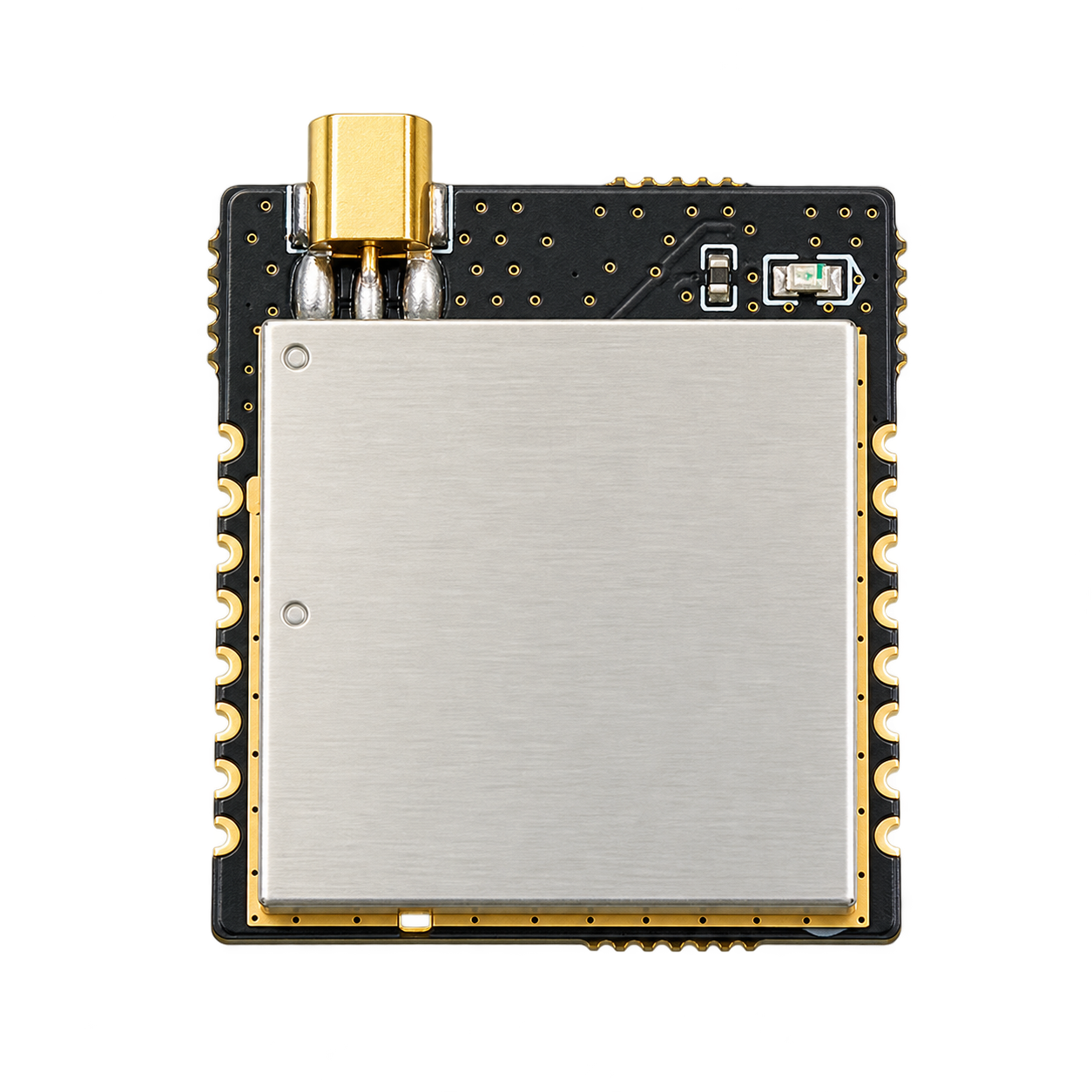
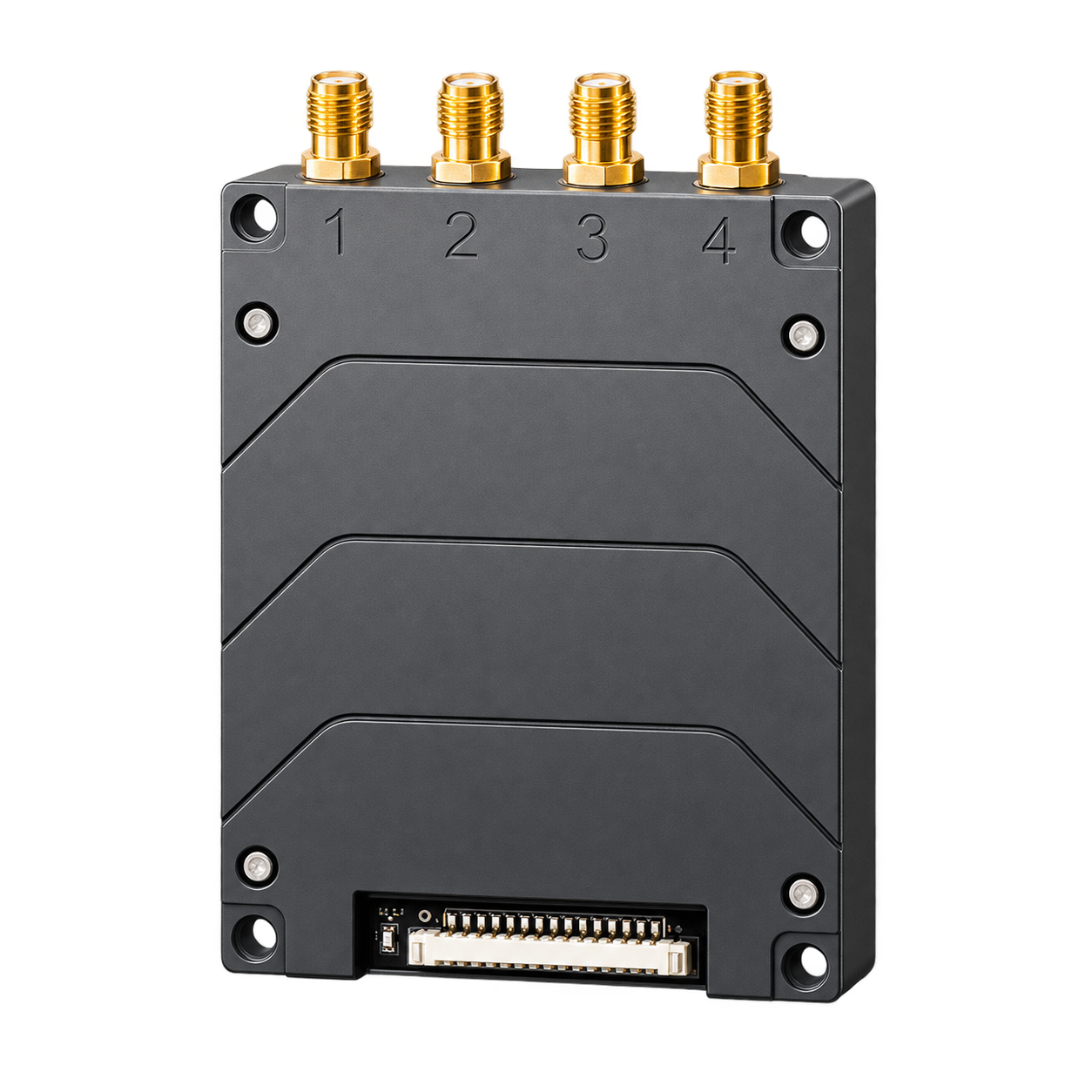
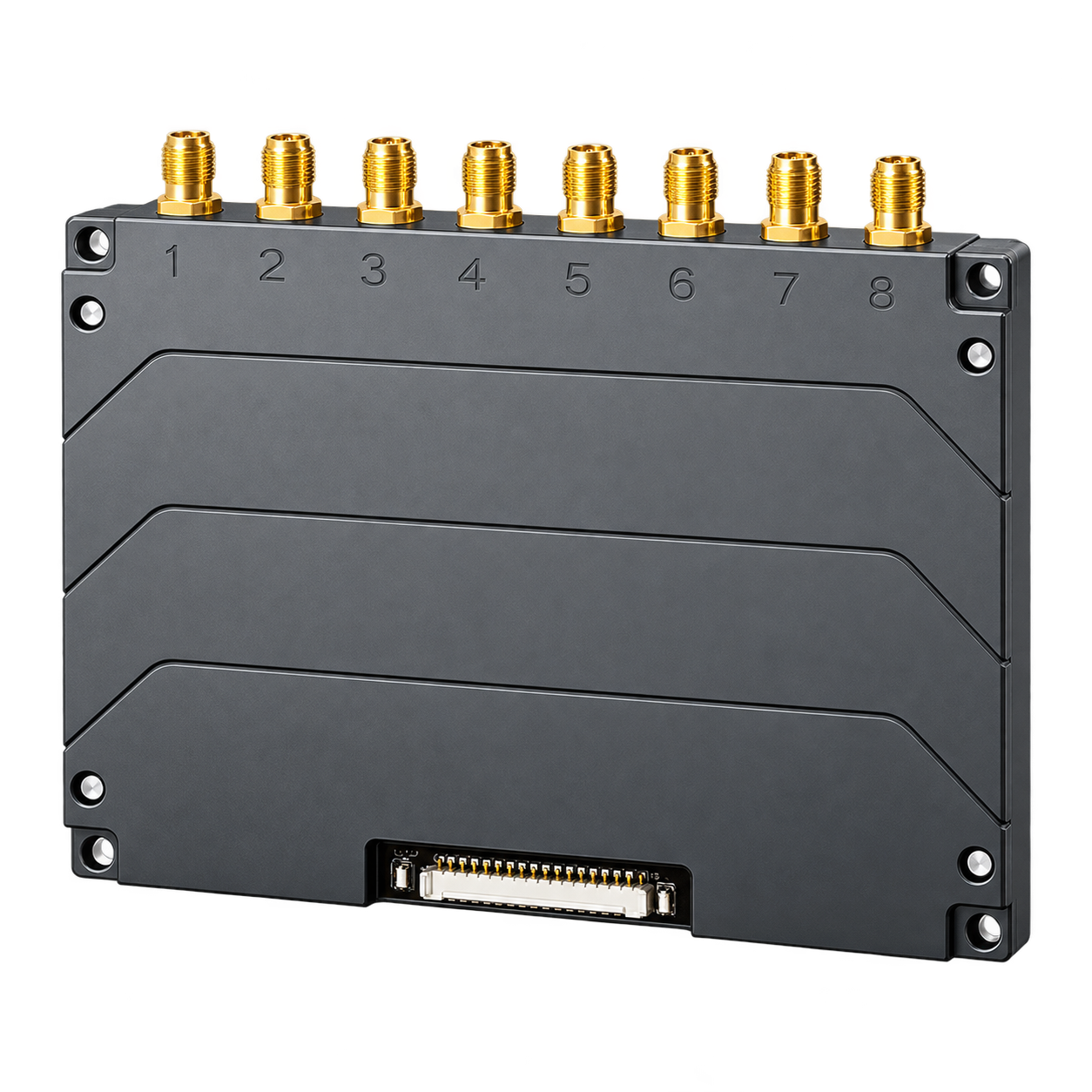
| RFID Module | E710 | Standard | 33dBm, Sensitivity -87 |
| E510 | Mid-range | 33dBm, Sensitivity -81 | |
| E310 | Low-range | 33dBm, Sensitivity -74 |
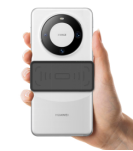
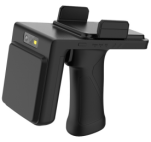
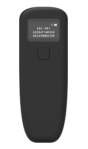
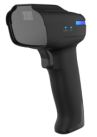
| Model | H100 | H102 | H103 | H104 |
|---|---|---|---|---|
| Reading Distance |
0–50cm
Depends on label & application environment |
0–1 meter
Depends on tag & application environment |
0–18 meters
Depends on tag & application environment |
0–50cm
Depends on label & application environment |
| 1D & 2D | — | — | Optional | Standard |
| Power | 0–20dBm (Adjustable) | 0–26dBm (Adjustable) | 0–33dBm (Adjustable) | 0–20dBm (Adjustable) |
| Dimensions | 76 × 37 × 39mm | 53 × 138 × 40mm | 155(H) × 78(W) × 133(L)mm | 157 × 85.7 × 70mm |